
AI calorie tracking for faster food logging
Dietlas reduces food logging friction by letting users start with natural text, meal photos, and reusable history instead of forcing every meal through manual search first.
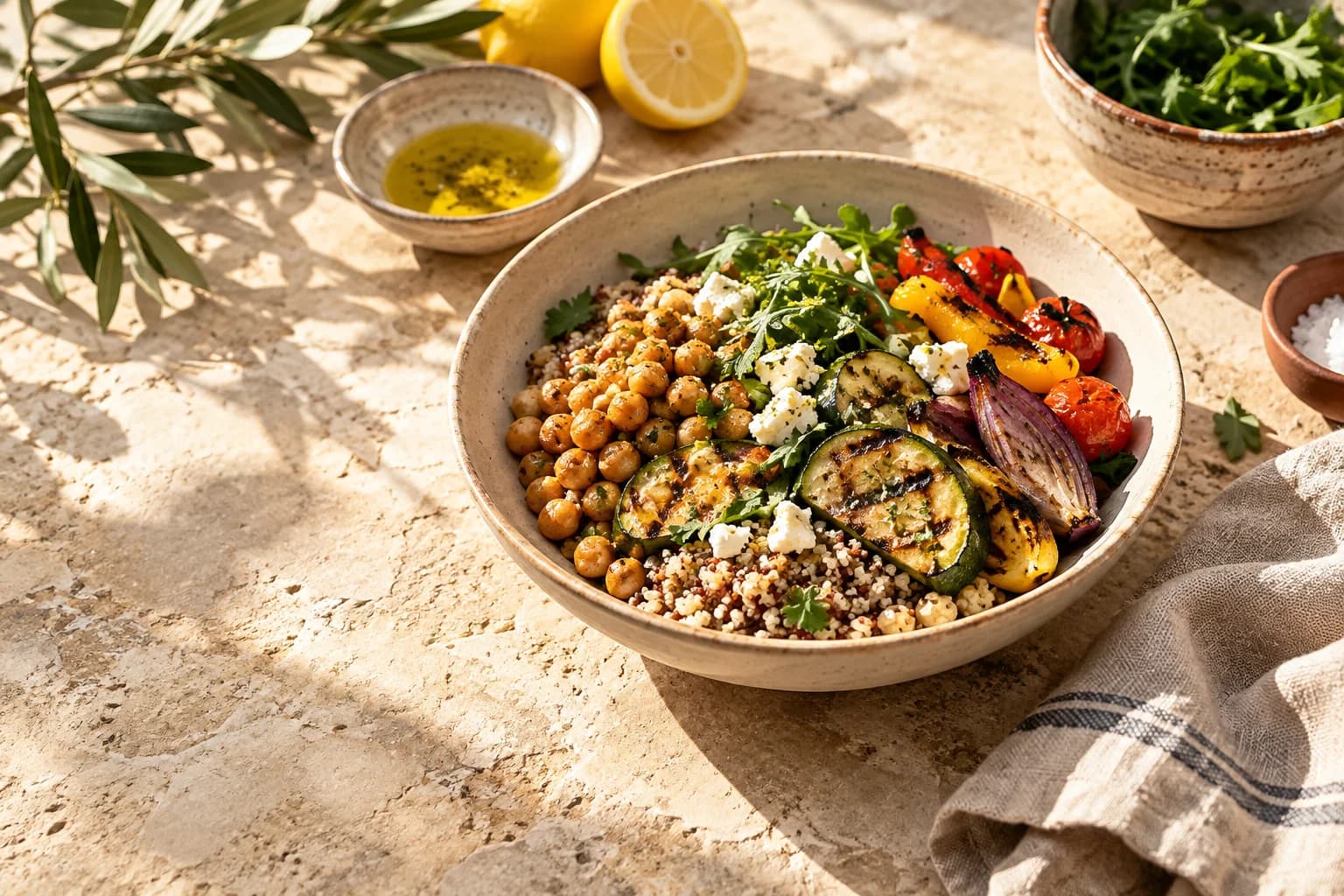
Watch how it works
The video loads from YouTube (privacy-enhanced mode) only after you press play.
Why fast logging matters for retention
Most calorie tracking drop-off happens because the workflow feels heavier than the habit. Dietlas focuses on shortening the time between noticing a meal and recording it, so logging fits around real life instead of interrupting it.
The product is built around mobile capture patterns that people actually use every day: short text, quick photos, and familiar food repetition. That makes the first draft of a food entry faster and lowers the mental cost of staying consistent.
- Short text descriptions instead of long manual search sessions
- Photo-first logging when typing is slower than snapping a picture
- Reusable foods and barcode-friendly flows for common repeat meals
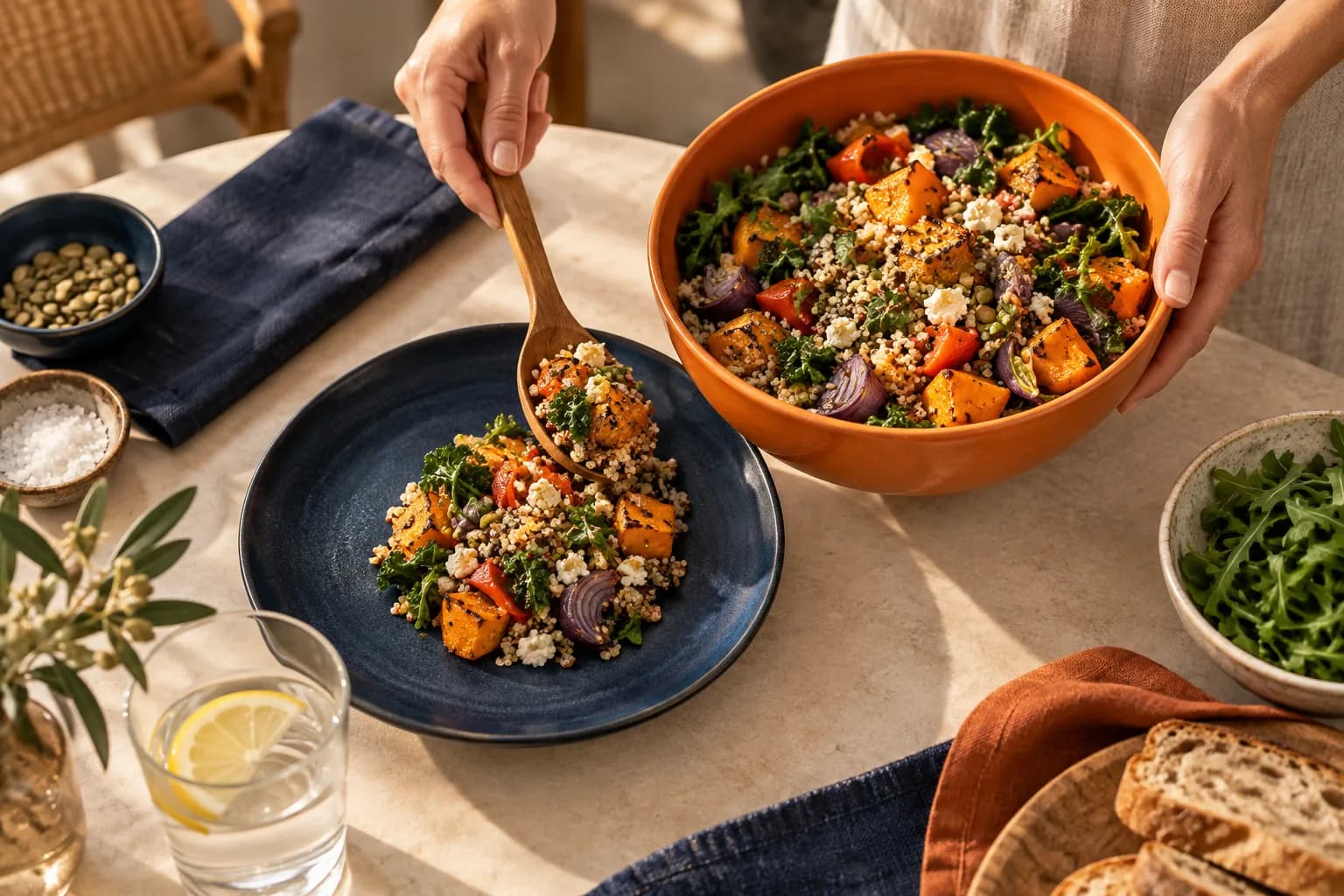
How AI fits into the Dietlas workflow
Dietlas uses AI to help interpret food descriptions and meal images, but the product flow still keeps review and correction in the loop. That matters because trust comes from speed plus control, not from blind automation.
Instead of positioning AI as a black box, Dietlas treats it as a fast first pass for structured nutrition estimates. Users can review the result, decide what looks right, and move on without losing momentum.
- AI helps parse unstructured meal descriptions
- Nutrition estimates remain reviewable before they become part of the log
- The same app can support text, photo, and repeatable meal workflows side by side
Where this helps most
This workflow is especially useful for people who want calorie tracking without turning every meal into a spreadsheet exercise. Busy workdays, restaurant meals, and repeated routines all benefit from faster input paths.
For SEO and content discovery, this is also the clearest product surface for users searching terms like AI calorie tracking app, food logging app, or photo calorie counter.
Photo, text, and voice in detail
Photo logging guides you to a good shot: hold the phone above the plate, keep the whole dish in frame, and use good light, or pick a picture from your library. Dietlas analyzes the meal and returns the items it sees.
Text and voice logging take a plain description such as what you had for lunch, typed or spoken in your own language. The AI turns it into items with calories and macros, shows how confident it is in each item, and lists the totals. Every item is editable before you save.
- Camera or library photo of your meal
- Type or speak what you ate, in your language
- Confidence per item and editable totals before saving

Dig Deeper into What Dietlas Can Do
Discover related tools, features, and resources to help you get even more out of Dietlas.