
Dietary preferences, reminders, 8 languages, Health sync, and widgets
Dietlas adapts to you: what you eat, when you want a nudge, which language you read, which health data it can use, and which numbers stay on your home screen.

Watch how it works
The video loads from YouTube (privacy-enhanced mode) only after you press play.
Dietary preferences
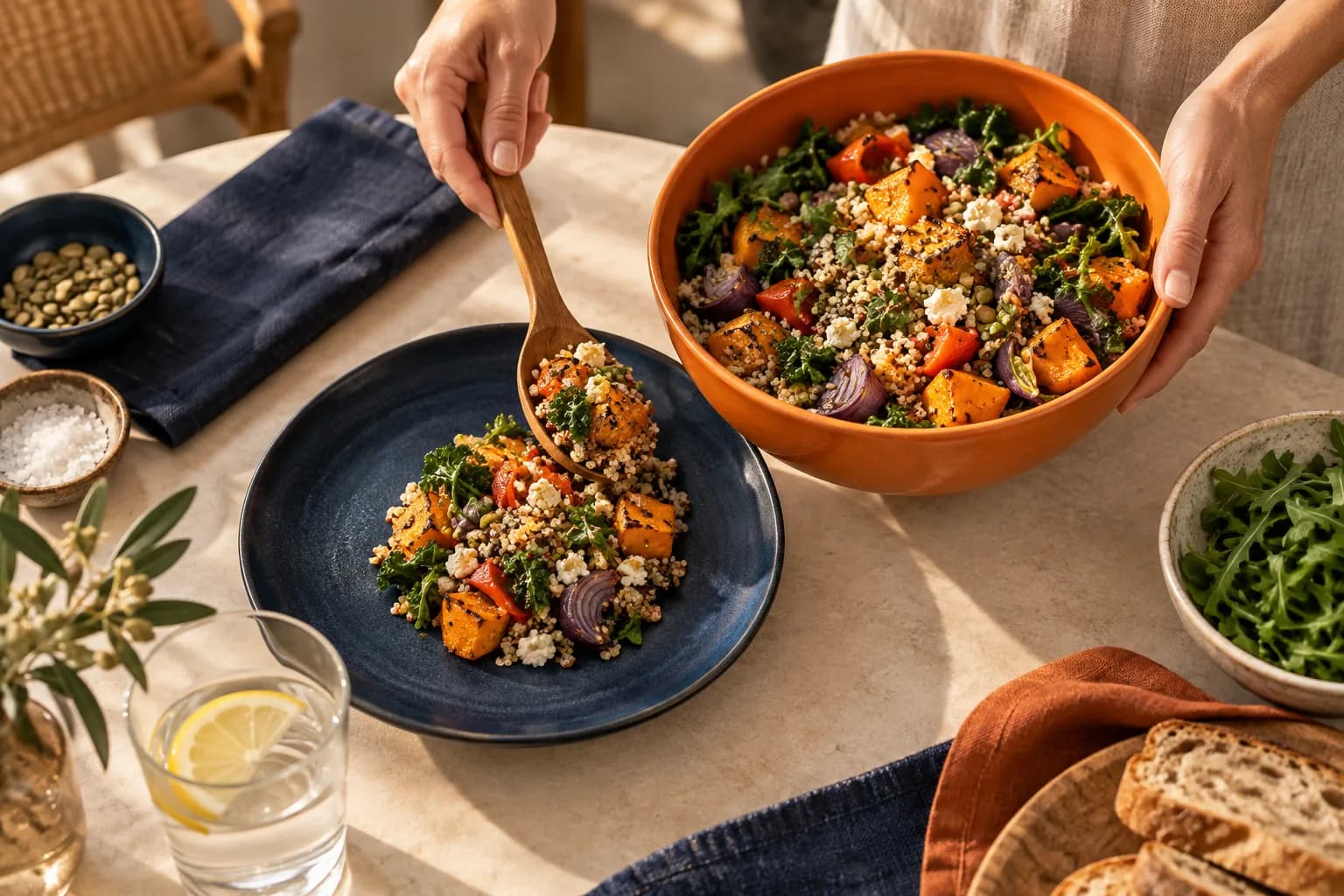
Food preferences capture your diet type (standard, pescatarian, vegetarian, or vegan), foods you avoid (gluten, lactose and dairy, nuts, eggs, pork, shellfish), and favorite cuisines such as Turkish, Russian and Slavic, Mediterranean, Asian, American, Middle Eastern, or Italian.
Recipes and foods that contain what you avoid are hidden, and recipes from your favorite cuisines are shown first. You can change these choices any time in settings.
- Standard, pescatarian, vegetarian, or vegan
- Hide recipes and foods with ingredients you avoid
- Favorite cuisines shown first
Reminders and notifications
Create reminders for meals, water, weigh-ins, streak protection, and fasting start, each with its own local time, optional weekdays, and optional message. If notifications are blocked on your device, Dietlas tells you how to turn them on.
Notification settings let you switch types on or off one by one: meal reminders, water reminders, weigh-in reminders, fasting alerts, streak risk, coach briefings, mood check-ins, and achievements. Add a weekly report, and set quiet hours so nothing buzzes when you do not want it to.
- Meal, water, weigh-in, streak, and fasting reminders
- Eight notification types you control individually
- Weekly report and quiet hours
Eight languages
Dietlas is available in English, German, Spanish, French, Turkish, Russian, Portuguese, and Japanese. Pick your language in settings and the app, including food and fasting content, reads naturally in it.
The website and the iPhone widgets follow the same languages.
- English, Deutsch, Español, Français
- Türkçe, Русский, Português, 日本語
Apple Health and Health Connect
On iPhone and Android, Dietlas can sync from Apple Health or Health Connect: daily steps, sleep, active calories, resting heart rate, and weight when available. You grant permission in your device's Health settings and can reset it any time.
You can also let Dietlas save the foods you log as calories, protein, carbs, and fat in Health. Turning it off stops new writes, and deleting a food removes it from Health too.
- Steps, sleep, active calories, resting heart rate, and weight
- Optional write of logged nutrition to Health
- Permission stays under your control
Home-screen widgets and Live Activity
On iPhone, widgets show a calorie ring in two sizes, your streak, water, fasting, your next quest, and a weight trend, and lock-screen widgets cover fasting. Android has a home-screen widget with calories and meal progress. Meal rings show consumed against suggested calories, and tapping a meal opens logging for it.
On iPhone you can also turn on a lock-screen Live Activity with meal progress. It is optional, shows your logged meals and calories for up to four hours, and you can hide it at any time.
- iPhone widgets: calories, streak, water, fasting, quest, weight
- Android home-screen widget
- Optional lock-screen meal progress on iPhone
Common questions
- Which languages does Dietlas support?
- English, German, Spanish, French, Turkish, Russian, Portuguese, and Japanese. You can switch the app language at any time in settings.
- Do widgets and Health sync work on the web version?
- No. Apple Health, Health Connect, home-screen widgets, and the Live Activity need the iPhone or Android app, because they rely on features of the phone itself.
- Can I export my data?
- Yes. Open Profile > Settings > Account > Data Export in the app to export a CSV or PDF of your daily summaries, food entries, weights and activities for a date range you choose.

Dig Deeper into What Dietlas Can Do
Discover related tools, features, and resources to help you get even more out of Dietlas.